Bank Statement Transaction Matching: Stop Doing It Manually (Automated Guide)
Matching transactions manually takes hours and causes errors. Learn how automated bank statement matching via CSV cuts reconciliation time by up to 80%.
Mastering the Bank Statement Transaction Matching Process for Flawless Financial Records
Understanding Transaction Matching and Its Critical Role
In the intricate world of financial management, the bank statement transaction matching process stands as a cornerstone for maintaining impeccable financial records. This essential procedure involves systematically comparing and reconciling transactions recorded in a company's internal ledger with those appearing on its bank statements. Its core purpose is to verify the accuracy and completeness of all financial movements, ensuring that every debit and credit aligns perfectly. For businesses of all sizes, mastering this process is indispensable for robust financial reporting, rigorous auditing, and making truly informed strategic decisions.
Why Transaction Matching is Essential for Business Health
Precise transaction matching is more than just an accounting task; it's a critical component of overall business health. The benefits are far-reaching:
- Fraud Detection: By meticulously comparing records, businesses can quickly identify unauthorized transactions or suspicious activities, acting as an early warning system against potential fraud.
- Error Prevention: It uncovers errors such as incorrect entries, duplicate postings, or omissions, ensuring the integrity of financial data before they escalate into larger issues.
- Cash Flow Accuracy: Accurate matching provides a real-time, precise view of cash balances, enabling better liquidity management and financial forecasting.
- Maintaining Audit Readiness: With reconciled accounts, businesses are always prepared for internal and external audits, demonstrating transparency and adherence to financial regulations.
- Informed Decision-Making: Reliable financial data, born from accurate matching, empowers leadership to make strategic decisions based on a true picture of the company's financial standing.
Key Concepts in Account Reconciliation and Matching
To effectively navigate the bank statement transaction matching process, it's crucial to understand a few fundamental terms:
- Ledger Accounts: These are the primary records within a company's accounting system where all financial transactions are categorized and recorded (e.g., Cash, Accounts Receivable, Expenses).
- Bank Feeds: Digital streams of transaction data directly from a bank, often used by accounting software to automate the import of bank activity.
- Reconciliation Statements: Documents generated after the matching process that summarize differences between the bank balance and the ledger balance, explaining each discrepancy.
Preparing Your Data for Effective Transaction Matching
Before diving into any matching process, the most critical step is data preparation. The success of your bank statement transaction matching process hinges on starting with clean, structured, and easily digestible data. This foundation minimizes errors, accelerates processing, and ultimately leads to more reliable financial records.
The Foundation of Clean Data: Why CSV Conversion is Key
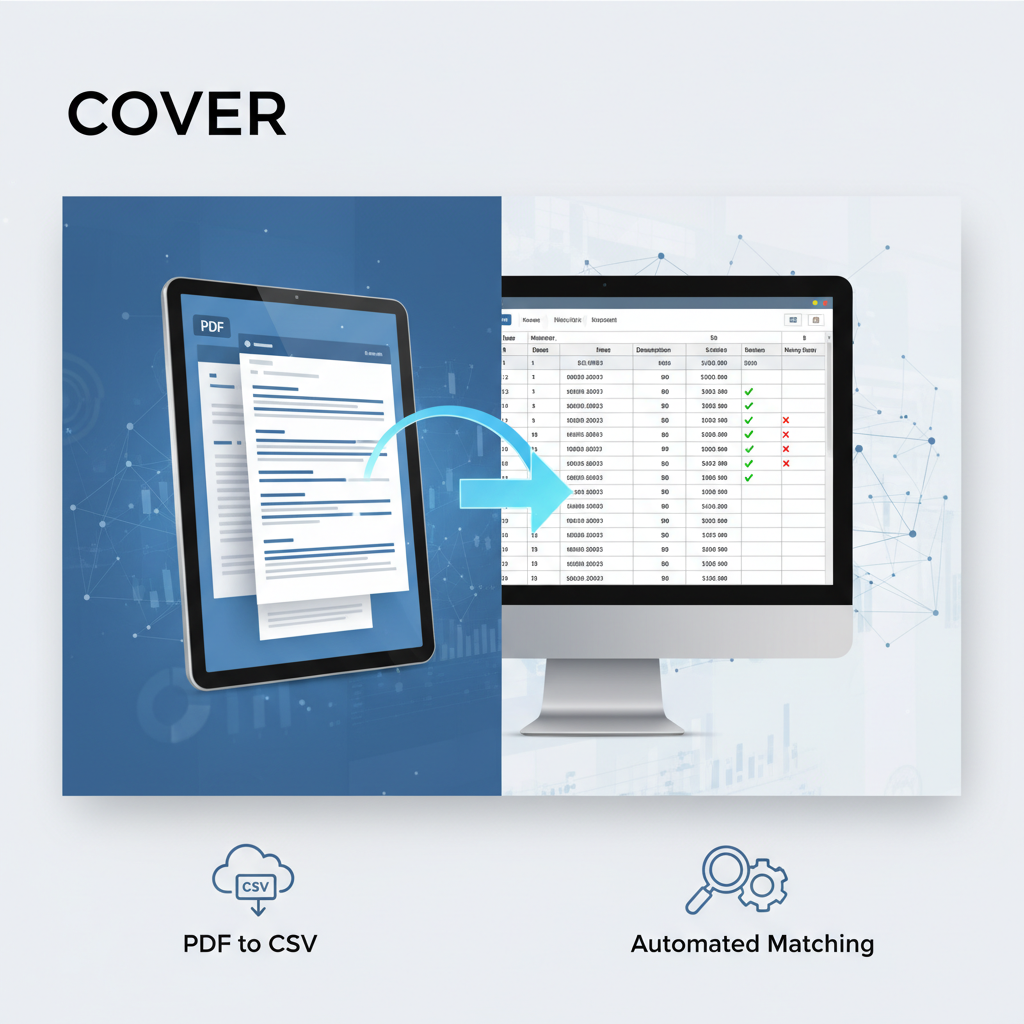
Raw PDF bank statements, while useful for record-keeping, are notoriously difficult to work with for automated matching. Their unstructured nature demands significant manual effort to extract usable data, leading to errors and delays. This is where converting your bank statements into organized CSV (Comma Separated Values) files becomes indispensable. A high-quality CSV conversion:
- Eliminates Manual Errors: By automating data extraction, you bypass the inaccuracies inherent in manual data entry.
- Streamlines the Process: Clean, structured data is readily importable into accounting software and spreadsheets, drastically speeding up the matching workflow.
- Ensures Compatibility: CSV is a universal format, making your transaction data compatible with virtually any financial application.
At Bank Statements CSV, our AI-powered solution takes your PDF bank statements and converts them into pristine CSV files with an industry-leading 99.9% accuracy rate. This allows you to effortlessly bridge the gap between your bank's PDFs and your accounting needs, making the transaction matching process seamless and error-free. Learn more about how we can help you Automate Bank Statement Data Entry with AI: Achieve 99.9% Accuracy & Unmatched Efficiency and Eliminate Manual Bank Statement Data Entry: Your Strategic Guide to AI Automation.
Essential Data Points for Successful Matching
For reliable and efficient transaction matching, your CSV file should contain these crucial data elements:
- Date: The exact date the transaction occurred.
- Amount: The numerical value of the transaction (distinguishing debits and credits).
- Description/Payee: A clear explanation of the transaction or the name of the counterparty.
- Transaction Type: Categorization like 'deposit,' 'withdrawal,' 'check,' 'debit card purchase,' etc.
- (Optional) Reference Number: Any unique identifier for the transaction.
Ensuring these data points are accurately extracted and formatted in your CSV is vital. Our service excels at capturing these details, even from complex multi-page statements, helping you avoid missing transactions.
Diverse Approaches to Bank Statement Transaction Matching
The method you choose for your bank statement transaction matching process can significantly impact efficiency and accuracy. While the goal remains the same – reconciling bank and ledger – the pathways vary from entirely manual to fully automated, with structured CSV data enhancing every approach.
Manual Matching: When and Why it Falls Short
Historically, businesses relied on manual matching, a painstaking process of visually comparing each line item on a bank statement against corresponding entries in a physical or digital ledger. While it offers granular control, its limitations are substantial:
- Time-Consuming: Extremely slow, especially for businesses with high transaction volumes.
- Prone to Human Error: Fatigue and oversight can easily lead to mistakes, missed transactions, or incorrect reconciliations.
- Inefficient: Diverts valuable staff time from more strategic financial analysis.
For these reasons, manual matching is rarely a sustainable or cost-effective solution for modern businesses.
Semi-Automated Matching with Spreadsheets
For many, especially those with clean CSV data, spreadsheet software like Excel or Google Sheets offers a semi-automated approach. By importing your CSV bank statement data, you can leverage built-in functions and filters to aid the matching process:
- Sorting and Filtering: Quickly organize transactions by date, amount, or description to identify potential matches.
- Lookup Functions (VLOOKUP, INDEX/MATCH): Use these to compare transaction details between your bank statement CSV and your ledger export.
- Conditional Formatting: Highlight potential matches or discrepancies based on defined rules.
This method significantly improves upon manual matching, particularly when starting with data from a reliable PDF to CSV bank statement converter.
Harnessing Full Automation for Precision and Speed
The most advanced and efficient approach to the bank statement transaction matching process involves full automation. This is where AI-powered tools and sophisticated accounting software truly shine. By processing structured CSV data, these solutions can:
- Achieve High Accuracy: Algorithms are designed to identify matches with minimal human intervention, often surpassing manual capabilities.
- Drastically Reduce Processing Time: Transactions that would take hours or days manually can be reconciled in minutes.
- Learn and Adapt: Many systems can learn from past reconciliations to improve future matching suggestions.
Our service at Bank Statements CSV is designed to provide the perfect input for these automated systems, delivering the precise CSV data needed for rapid, accurate, and secure financial processing. This kind of automation is far superior, as explored in AI vs Manual CSV Cleanup: Which is Faster & Cheaper in 2026?.
Step-by-Step Transaction Matching Across Popular Platforms
Leveraging pre-processed, clean CSV data from Bank Statements CSV makes the bank statement transaction matching process significantly smoother across various accounting platforms. Here’s how you can streamline reconciliation in widely used software.
Streamlining Transaction Matching in QuickBooks with CSV Exports
QuickBooks is a popular choice for small and medium-sized businesses. Using a CSV file generated from your bank statements can dramatically improve your reconciliation workflow:
- Export Bank Data: First, use Bank Statements CSV to convert your PDF bank statements into a clean CSV file.
- Import into QuickBooks: Navigate to the 'Banking' or 'Transactions' section in QuickBooks, then select 'Upload transactions' or 'Import data' and choose your CSV file.
- Map Fields: QuickBooks will guide you to map the columns in your CSV (Date, Amount, Description) to its internal fields.
- Review and Categorize: QuickBooks will then display the imported transactions. It often suggests matches to existing ledger entries or allows you to categorize new ones. Review these suggestions carefully.
- Match and Add: Confirm matches to clear transactions or add new ones to your ledger. This ensures your QuickBooks records align perfectly with your bank statement.
For a deeper dive, read our Complete Guide to Bank Statement CSV for QuickBooks Reconciliation.
Xero Bank Statement Matching: Leveraging CSV Data for Efficiency
Xero, known for its intuitive interface, also benefits greatly from structured CSV bank statement data:
- Prepare Your CSV: Convert your bank statements to CSV using Bank Statements CSV.
- Import Bank Statements: In Xero, go to 'Accounting' > 'Bank accounts,' select the relevant bank account, and click 'Manage Account' > 'Import a Statement.'
- Upload and Map: Upload your CSV file and map the columns to Xero's fields.
- Reconcile Transactions: Xero will present your imported bank transactions. It will automatically suggest matches for existing ledger entries based on date, amount, and payee. Review and approve these suggestions.
- Create or Match: For unmatched transactions, you can either create new entries in your ledger or manually match them to existing ones.
Mastering Transaction Matching in Excel for Custom Needs
For complex scenarios or highly customized financial analysis, Excel remains a powerful tool for the bank statement transaction matching process when fed with clean CSVs:
- Import CSVs: Open both your bank statement CSV (from Bank Statements CSV) and your ledger export CSV into separate Excel sheets.
- Standardize Data: Ensure date formats, amounts, and descriptions are consistent across both sheets.
- Use Formulas for Matching:
- VLOOKUP/INDEX+MATCH: Match transactions based on unique identifiers, dates, or amounts.
- Conditional Formatting: Highlight exact matches or potential discrepancies based on criteria you set.
- Pivot Tables: Summarize and compare transaction data to identify trends or unmatched entries.
- Manual Review and Adjustment: Address any remaining unmatched items by investigating timing differences, incorrect amounts, or missing entries.
This method is ideal for financial professionals who need granular control and flexibility in their reconciliation process.
Integrating Structured Data for ERP Systems (e.g., Dynamics 365, NetSuite)
Large enterprises often utilize comprehensive ERP (Enterprise Resource Planning) systems for their financial operations. Clean CSV bank statement data serves as a vital input for transaction matching within these sophisticated environments:
- Automated Data Feed: Many ERPs can be configured to directly ingest structured CSV files, automating the import of bank transaction data.
- Automated Matching Rules: ERPs typically have robust matching engines that use predefined rules to compare bank transactions with general ledger entries.
- Exception Handling: The system flags unmatched transactions or discrepancies for manual review and resolution by the finance team.
- Data Integrity: By feeding clean, accurate CSV data, you ensure consistency and integrity across all integrated financial modules, from general ledger to accounts payable/receivable.
Our service ensures your data is in the perfect format for seamless integration with even the most complex ERP systems, leading to a more efficient and accurate account reconciliation workflow for transaction data.
Overcoming Common Transaction Matching Challenges
Even with structured data and automated tools, challenges can arise in the bank statement transaction matching process. However, starting with a precise, error-free CSV file from Bank Statements CSV significantly reduces these hurdles and provides a solid foundation for resolution.
Resolving Discrepancies and Unmatched Transactions
Unmatched transactions are a common occurrence. Here are techniques for identification and correction:
- Timing Differences: A frequent cause is transactions clearing on different dates in your bank versus your ledger. Note the actual date the transaction occurred vs. the date it posted.
- Incorrect Amounts: Small differences due to rounding, foreign exchange fluctuations, or data entry errors.
- Missing Entries: A transaction recorded in one system but not the other. This often points to human error during data entry or an overlooked bank fee.
- Bank Errors: Though rare, banks can make mistakes. Always verify with your bank if a discrepancy cannot be otherwise resolved.
Our precise CSV conversion helps in quickly pinpointing these issues by providing a clear, comparable dataset.
Handling Duplicate Entries and Missing Transactions
Managing duplicates and discovering missing entries is crucial for accurate records:
- Duplicate Entries: Can occur from accidental double-posting or re-importing data. Use unique transaction IDs or a combination of date, amount, and description to identify and remove duplicates.
- Missing Transactions: If a transaction appears on your bank statement but not in your ledger, investigate its source. It might be an unrecorded expense, an automatic payment, or a bank charge. Conversely, if a ledger entry has no bank counterpart, it might be a future-dated transaction or an error.
Leveraging the structured data from Bank Statements CSV allows for easier filtering and analysis to catch these inconsistencies. You can also unlock audit-ready CSVs by mastering split transactions and wrapped bank statement descriptions, which can often appear as duplicates or missing items if not handled correctly.
The Role of Accurate Data in Preventing Reconciliation Errors
It cannot be overstated: the quality of your input data is the single most significant factor in preventing reconciliation errors. Starting with a precise, error-free CSV file minimizes reconciliation challenges, leading to a smoother, faster, and more reliable bank statement transaction matching process.
Bank Statements CSV provides that crucial first step – converting your complex PDF bank statements into perfectly formatted, highly accurate CSVs ready for any accounting system. By establishing this foundation, you transform what can be a daunting task into an efficient, automated workflow, ultimately leading to flawless financial records and greater peace of mind. Experience the difference of a truly secure PDF bank statement to CSV converter.