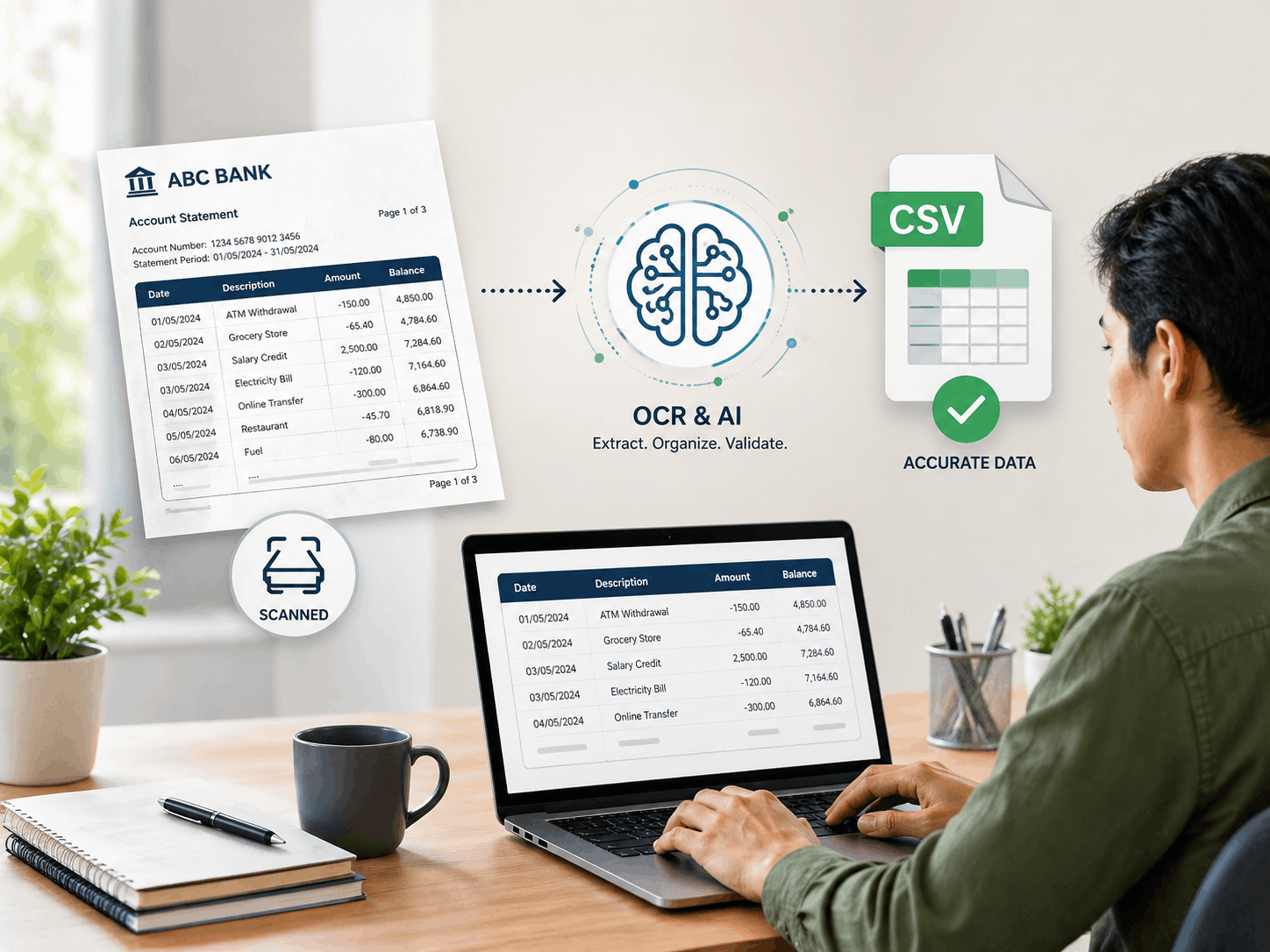
Can't Copy-Paste a Scanned Bank Statement? Here's How to Convert It to CSV
Scanned PDFs block normal copy-paste. See how OCR converts your image-based bank statement into a clean, accurate CSV automatically — no manual typing required.
Why Scanned Bank Statements Need Specialized OCR
Scanned bank statements, unlike their digital PDF counterparts, present a unique set of challenges for data extraction. The inherent variability in image quality, ranging from crisp scans to blurry photos, combined with the diverse layouts from countless financial institutions, makes accurate data parsing a formidable task. Generic Optical Character Recognition (OCR) tools often fall short in these scenarios, unable to reliably interpret the nuances of transactional data. This is where a specialized approach to scanned bank statement OCR to CSV conversion becomes indispensable, ensuring that every crucial detail is captured without compromise. For more insights on maintaining data integrity, explore our guide on converting bank statements PDF to CSV without data loss.
The Hidden Pitfalls of Generic OCR for Financial Documents
Standard OCR software, while effective for general text, struggles significantly with the complex, structured, and often image-based nature of financial documents. When attempting to scan bank statement to spreadsheet using generic tools, you'll frequently encounter misinterpretations of numbers, incorrect dates, and garbled transaction descriptions. This leads to rampant errors, missing transactions, and ultimately, a substantial amount of time dedicated to painstaking manual correction. Such inefficiencies defeat the purpose of automation and can introduce critical inaccuracies into your financial records, making true bank statement OCR for spreadsheet export a distant dream with inadequate tools.
Understanding OCR Technology for Transactional Data
Advanced AI and OCR technology specifically engineered for bank statements goes far beyond simple text recognition. These intelligent systems are designed to parse and structure complex financial data by understanding its context and format. Features like template recognition allow the AI to adapt to diverse bank statement layouts, while robust data validation mechanisms ensure accuracy, achieving up to a 99.9% success rate. This specialized OCR solution intelligently identifies and extracts dates, amounts, payees, and transaction types, transforming disparate information into clean, usable data for your financial analysis.
Comparing Leading OCR Tools for Scanned Bank Statements
When transforming scanned bank statement OCR to CSV, the choice of tool significantly impacts accuracy, efficiency, and data security. Generic OCR solutions often fall short of the specialized requirements for financial documents. Below is a comparison highlighting how dedicated platforms like Bank Statements CSV stand apart.
| Feature | Bank Statements CSV | Generic OCR Tools |
|---|---|---|
| Accuracy (Financial Data) | 99.9% with advanced AI extraction, context-aware | Often low, misinterprets financial specifics (numbers, dates, descriptions), requires extensive manual correction |
| Processing Speed | Fast (typically 30-60 seconds), fully automated | Slow, often requires multiple passes and significant manual cleanup, not designed for bulk |
| Layout Compatibility | Adapts to diverse bank/country formats using intelligent AI templates | Struggles with varying layouts and unconventional designs, limited adaptability, leading to incomplete data |
| Security & Privacy | Enterprise-grade encryption, temporary storage, immediate auto-deletion of files | Varies widely, generally not specialized for sensitive financial data, may pose privacy risks |
| Effort & Cost | Highly cost-effective, eliminates manual data entry, reduces operational overhead | High manual effort, significant hidden costs in error correction and wasted time |
This comparison underscores why a specialized solution is crucial for reliable PDF bank statement OCR extraction, ensuring that your financial data is not only converted but also accurately usable.
Solutions for Common Challenges in Scanned Statement Conversion
Converting scanned bank statements into structured CSVs often presents specific hurdles. Specialized OCR tools are designed to provide effective solutions to these common problems, ensuring a smooth and accurate conversion process.
Overcoming Multi-Page Statement Extraction Issues
One significant challenge is accurately extracting data from multi-page scanned bank statements without missing transactions or misordering information. Advanced OCR systems utilize intelligent page recognition and data linking features to ensure continuous and precise data flow across all pages. This prevents common errors that lead to incomplete financial records, as detailed further in our article on multi-page bank statements to CSV: how to avoid missing transactions.
Handling Unconventional Layouts and Transaction Descriptions
Many bank statements feature unconventional designs, split transactions across lines, or use wrapped transaction descriptions. Sophisticated OCR tools are equipped to adapt to these unique designs. They employ algorithms that can identify and merge split transactions and intelligently interpret complex or wrapped descriptions, ensuring a clean and organized CSV output ready for analysis. This leads to audit-ready CSVs and easier understanding of split transactions and wrapped bank statement descriptions.
Ensuring Data Security and Privacy During Conversion
Uploading sensitive financial documents demands robust security and privacy measures. Leading OCR services for how to extract transaction data from a PDF statement utilize enterprise-grade encryption for all uploads and during processing. Files are stored only temporarily and automatically deleted immediately after conversion, ensuring your financial information remains confidential and secure. Prioritizing platforms with clear privacy policies, like Bank Statements CSV, is essential for safeguarding your financial data.
Maximizing Efficiency with Scanned Bank Statement to CSV Conversion
Converting your scanned bank statement OCR to CSV is more than just a technical process; it's a strategic move to optimize financial operations across various professional domains.
For Accountants and Bookkeepers: Streamlined Reconciliation
Accountants and bookkeepers can dramatically simplify and speed up bank reconciliation processes. By converting scanned statements into structured CSVs, manual data entry errors are drastically reduced, freeing up valuable time for more analytical tasks. This automation ensures accurate record-keeping and a more efficient workflow, helping you boost productivity with PDF to CSV bank statement conversion.
For Small Businesses: Simplified Expense Tracking and Audits
Small business owners benefit immensely from the ability to effortlessly track expenses, categorize transactions, and prepare for audits. Having all financial data in an easily searchable and analyzable CSV format simplifies compliance and provides clearer insights into cash flow. This transformation from scanned bank statement OCR to CSV provides a competitive edge, as highlighted in our guide to automating bank statement data entry with AI.
For Auditors and Financial Analysts: Enhanced Data Analysis
Auditors and financial analysts can perform more thorough compliance checks and detailed financial analyses. Readily available CSV data from scanned statements provides deeper insights, facilitates quicker decision-making, and supports comprehensive reporting, making the process of eliminating manual bank statement data entry a reality.
Your Path to Seamless Scanned Bank Statement Data Extraction
Are you ready to transform your cumbersome scanned bank statements into perfectly organized, actionable CSV data? Bank Statements CSV offers a dedicated, AI-powered solution that takes the complexity out of scanned bank statement OCR to CSV conversion, providing you with accuracy, speed, and security.
A Simple Step-by-Step Conversion Process
The process is designed for simplicity. Begin by securely uploading your scanned PDF bank statements to our platform. Our advanced AI system will then rapidly process the documents, extracting and formatting all transactional data. Within moments, your accurately structured CSV file will be ready for download. Get started easily by registering today or logging in to convert your statements.
Integrating Your CSV Data with Accounting Software
Once downloaded, your clean, organized CSV files are immediately compatible with common spreadsheet and accounting applications. Easily import your data into Excel, QuickBooks, Xero, or other financial management systems for immediate analysis, reconciliation, and accurate record-keeping. Learn more about your complete guide to bank statement CSV for QuickBooks reconciliation.